
DMARC Checker: Look Up and Test Your DMARC Record
Enter a domain to fetch its live DMARC record, read the policy and reporting tags, and see what to fix before you move to quarantine or reject.
Results
- Free DMARC lookup
- Live DNS result
- No signup required
What does this DMARC checker look at?
The record itself, and the problems that make receivers ignore it.
Live DMARC record
The TXT record published at _dmarc.yourdomain.com, exactly as receivers see it.
Policy
Whether the domain monitors (p=none), sends failing mail to spam (quarantine) or blocks it (reject).
Duplicate records
More than one DMARC record makes receivers ignore DMARC. The checker flags it.
Format and syntax
Missing v=DMARC1, missing policy tag, missing semicolons or invalid parameters.
Missing record
No DMARC at all: anyone can spoof the domain and receivers have no instruction from you.
What to do next
Each result comes with a fix and a guide, from creating the record to moving safely to reject.
How to check and fix your DMARC record
Five steps from lookup to a policy that protects your domain.
Run the DMARC lookup
Enter your domain (the part after @ in your From address). mailX reads the record at _dmarc.
Read the policy
p=none only monitors. quarantine and reject protect your domain from spoofing.
Fix structural errors first
One record only, v=DMARC1 first, a p= tag, tags separated by semicolons. If there is no record, create one with the DMARC generator.
Check SPF and DKIM alignment
DMARC passes only when SPF or DKIM passes for a domain aligned with your From domain. Check both before you tighten the policy.
Move to quarantine, then reject
Use the rua reports to confirm that all your legitimate senders pass, then raise the policy step by step.
What is a DMARC record?
DMARC (Domain-based Message Authentication, Reporting and Conformance) is a TXT record at _dmarc.yourdomain.com. It tells receiving servers what to do with a message that uses your domain in the From address but fails authentication, and where to send reports about it.
A message passes DMARC when at least one of SPF or DKIM passes and is aligned: the domain checked by SPF (the return-path) or signed by DKIM (the d= domain) matches the From domain. With relaxed alignment, a subdomain counts as a match. That is why a perfect SPF record can still fail DMARC when an email platform sends with its own return-path and no DKIM signature for your domain.
Google and Yahoo require a DMARC record from bulk senders since 2024. More importantly, only quarantine and reject actually stop someone else from sending email as your domain.
A DMARC record that monitors:
A DMARC record that protects the domain:
DMARC tags explained
Only v and p are required. The other tags fine-tune how the policy applies and where reports go. The DMARC checker shows the whole record so you can review each tag.
Required:
p=none | quarantine | reject: policy for the domain
Reporting:
ruf=mailto:...: address for failure reports (few providers send them)
Fine-tuning:
pct=: share of failing mail the policy applies to (removed in RFC 9989, replaced by t=)
adkim=s / aspf=s: strict alignment instead of relaxed (default r)
fo=: when to generate failure reports
Common DMARC problems this checker finds
What the result usually means, and how to fix it.
No DMARC record
Create one with p=none and a rua address, publish it at _dmarc, then check again.
Multiple DMARC records
Receivers ignore DMARC when two records exist. Merge them into one.
Missing policy tag
Without p=, the record is invalid. Add p=none to start.
Missing semicolons
Tags must be separated by semicolons. One missing separator can invalidate the record.
Policy set to none
Monitoring only. Use the reports to fix SPF and DKIM, then move to quarantine and reject.
Record on the wrong name
The record must live at _dmarc.yourdomain.com. A doubled name such as _dmarc.example.com.example.com is not found.
DMARC guides
From p=none to p=reject without losing legitimate email.
What Is a DMARC Record?
Every DMARC tag explained, with examples you can copy.
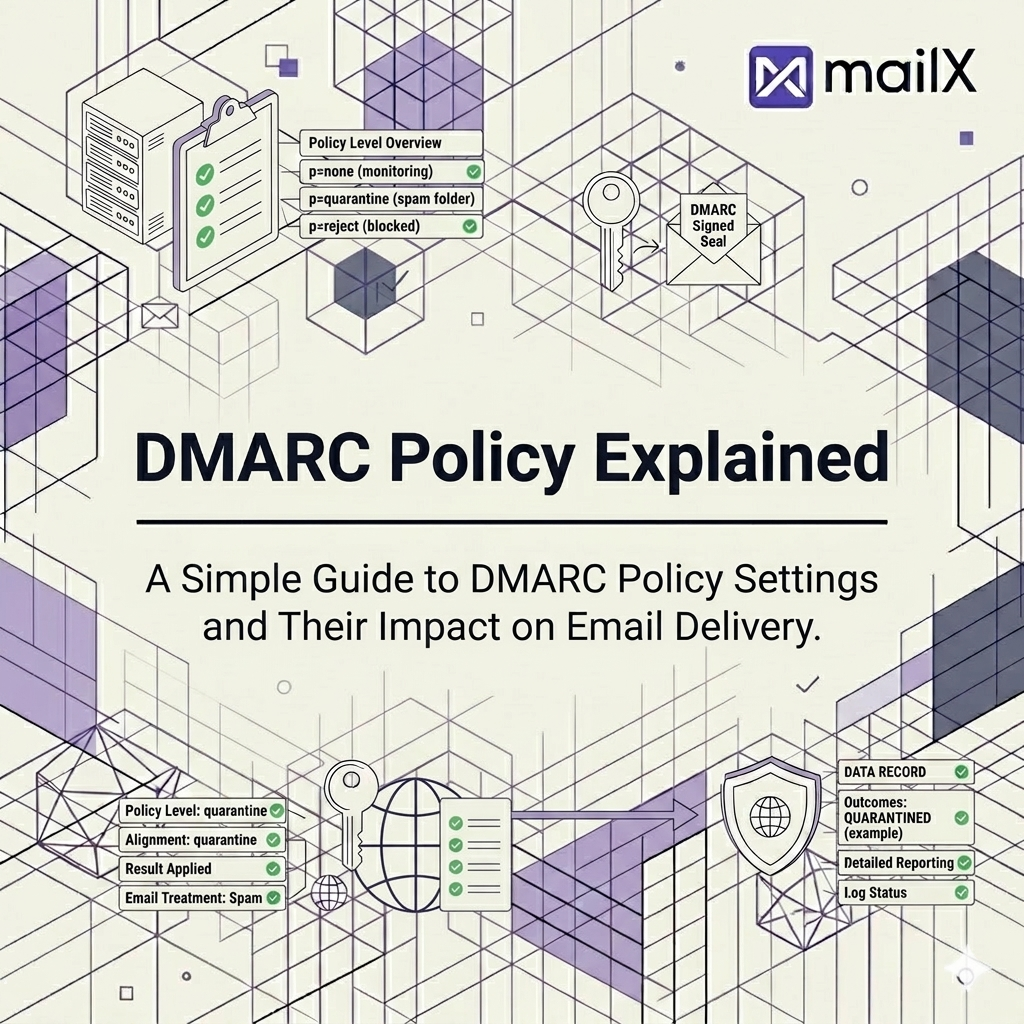
DMARC Policy Explained: None, Quarantine, Reject
What each policy does to failing emails and when to move to the next one.
How to Read DMARC Reports
Turn aggregate reports into a list of senders to authorize or block.
How to look up a DMARC record from the command line
You can run the same lookup from a terminal. Replace example.com with your domain. If nothing comes back, the domain has no DMARC record at that name.
macOS and Linux (dig):
Windows (Command Prompt):
Windows (PowerShell):
Reading your DMARC checker results
What each result means and what to do next.
Valid and enforcing
The record is valid with quarantine or reject. Keep reading the reports to catch new senders.
Valid but p=none
The domain is monitored, not protected. Plan the move to quarantine, then reject.
Missing or invalid
Create or fix the record with the DMARC generator, then run the check again.
DMARC is only as good as SPF and DKIM
Check that SPF and DKIM pass and align with your domain, together with DMARC, in one free test.