
TXT Record Lookup: See Every DNS TXT Record on a Domain
Enter a domain to list all of its live TXT records with their TTL. Find your SPF record, check domain verification tokens and spot duplicate entries.
Results
- Free TXT lookup
- Live DNS results
- No signup required
What does this TXT record lookup show?
A complete view of the text records published on a domain.
Every TXT record
All TXT records published on the domain you enter, each one listed separately, exactly as DNS returns it.
TTL of each record
How long resolvers cache each record, in seconds, so you know how long an old value can keep showing.
Your SPF record
The record that starts with v=spf1 and lists the services allowed to send email for your domain.
Verification tokens
Ownership proofs added for Google, Microsoft 365, Meta and other services, such as google-site-verification=.
Duplicate entries
Two SPF records, or old tokens left from a previous setup, show up side by side, so you can see what to merge or remove.
Live DNS answer
Each lookup runs a fresh DNS query when you click, so you see the currently published records.
How to check TXT records
Five steps to confirm a TXT record is published and correct.
Enter the domain
Type the domain that should carry the record, such as example.com. SPF records and most verification tokens live on the root domain.
Run the lookup
mailX queries DNS and lists every TXT record on that name, each with its TTL.
Find the record you need
Look for the prefix that identifies it: v=spf1 for SPF, google-site-verification= for Google, MS= for Microsoft 365.
Compare with your provider
Check the value character by character against what the provider gave you, and make sure there is only one SPF record.
Re-check after the TTL
If you just added or changed a record and do not see it yet, wait for the previous TTL to pass, then run the lookup again.
What is a TXT record?
A TXT record stores free text in DNS. It was designed for human-readable notes, but today it carries machine-readable policies and proofs that other services read automatically.
For email, three standards rely on TXT records. SPF lists the servers allowed to send for your domain and is published on the domain used in the Return-Path, usually the root domain. DKIM publishes the public key used to verify signatures, at selector._domainkey.example.com. DMARC tells receivers what to do with mail that fails authentication, at _dmarc.example.com.
Services such as Google Search Console, Microsoft 365 and Meta also use TXT records to prove you own a domain. A single TXT string is limited to 255 characters, so long values such as DKIM keys are split into several strings that receivers join back together. Many DNS hosts split long values for you, others ask you to enter the quoted strings yourself.
Typical TXT records on a domain:
example.com. 3600 IN TXT "google-site-verification=abc123..."
Where DMARC and DKIM live:
google._domainkey.example.com. TXT "v=DKIM1; k=rsa; p=MIIB..."
Related mailX tools
Validate the email records you find in your TXT lookup.
Common TXT record problems
What a TXT lookup usually reveals when something is not working.
Two SPF records
A domain must have only one record starting with v=spf1. With two, SPF returns a permanent error and receivers may treat your mail as unauthenticated. Merge them into one.
Record on the wrong name
The record was published on www or on a doubled name such as example.com.example.com, so it does not show on the root domain. Check the name field in your DNS host.
Extra quotes or spaces
Some DNS hosts add quotes automatically. Pasting a value that already has quotes, or leading spaces, can corrupt the record.
Verification token removed
Some services check the token again over time. Removing a verification TXT record after setup can make the service lose its verification.
DMARC or DKIM not found
DMARC and DKIM are not on the root domain, so a root TXT lookup does not show them. Use the DMARC checker and DKIM checker instead.
Old value still cached
You updated the record but still see the previous value. Wait for the old TTL to expire, then look it up again.
TXT record and email authentication guides
Understand the records you just looked up.
What Is a TXT Record and Why It Matters for Email
How TXT records work and how SPF, DKIM, DMARC and verification tokens use them.

What Is SPF Email? A Guide to Fixing Your Record
What an SPF record contains, how receivers evaluate it and how to fix the most common errors.
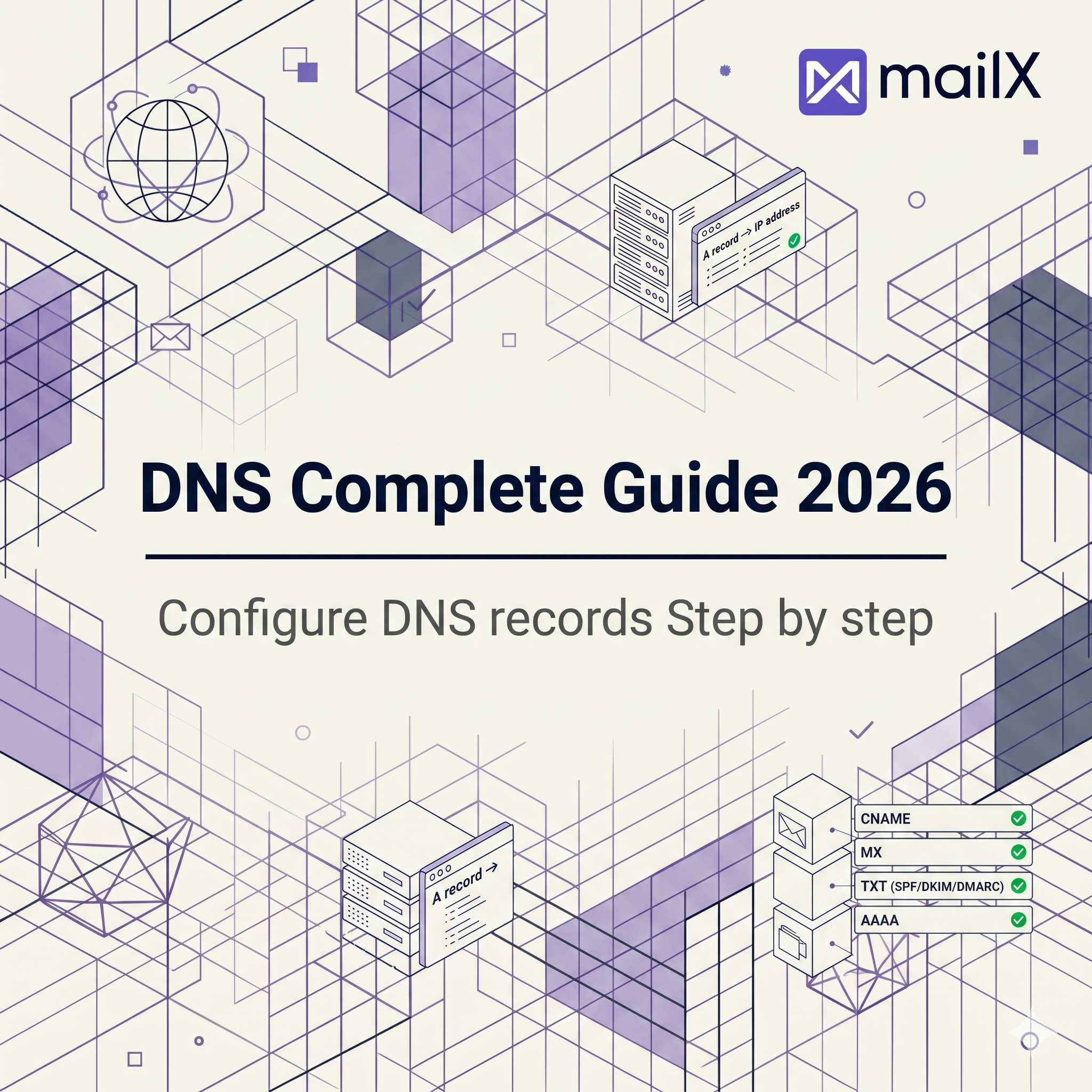
DNS Guide: Records, Lookup and Configuration
The complete guide to reading, checking and fixing the DNS records your domain depends on.
How to look up TXT records from the command line
You can run the same check from a terminal. These commands list the TXT records of example.com. Replace it with your domain.
To read a DMARC record, query _dmarc.example.com. To read a DKIM key, query the selector name, such as google._domainkey.example.com.
macOS and Linux (dig):
Windows (Command Prompt):
Windows (PowerShell):
Reading your TXT lookup results
What each result means and what to do next.
TXT records found
Each record is listed with its TTL. Identify each one by its prefix, then validate the SPF record with the SPF checker.
No TXT records found
The domain has no TXT records on this name. If you expected an SPF record or a token, check where it was published in your DNS host.
Invalid domain
The input is not a valid domain name. Remove http://, paths and spaces, and enter only the domain, such as example.com.
Check the records that decide where your email lands
A TXT lookup shows what is published. The SPF, DKIM & DMARC check tells you if it actually works, in one free test.