
DMARC Generator: Create Your DMARC Record in Seconds
Enter your domain, the email address that should receive DMARC reports and your policy. mailX writes the _dmarc TXT record, with the exact name and value to paste into your DNS.
Results
- Free DMARC generator
- Ready-to-paste TXT record
- No signup required
Watch: create your DMARC record in 2 minutes
Chapters
- 0:00 Almost 6 in 10 DMARC records don't enforce anything
- 0:16 mailX in 10 seconds
- 0:28 What is a DMARC record?
- 0:47 Create a DMARC record with the mailX generator
- 1:14 Same record with quarantine and reject
- 1:21 Data: 45% of sending domains sit at p=none
- 1:38 The safe path from p=none to p=reject
- 1:58 Create it inside ChatGPT
- 2:08 Create your DMARC record free
What this DMARC generator gives you
A record you can publish as it is, without guessing the syntax.
Record name
The exact host name to create: _dmarc followed by your domain. Most DNS hosts want only _dmarc in the name field.
Record value
A valid DMARC string with the version, your policy and your report address, such as v=DMARC1; p=none; rua=mailto:dmarc@example.com.
Record type
Always TXT. DMARC has no dedicated record type.
Your choice of policy
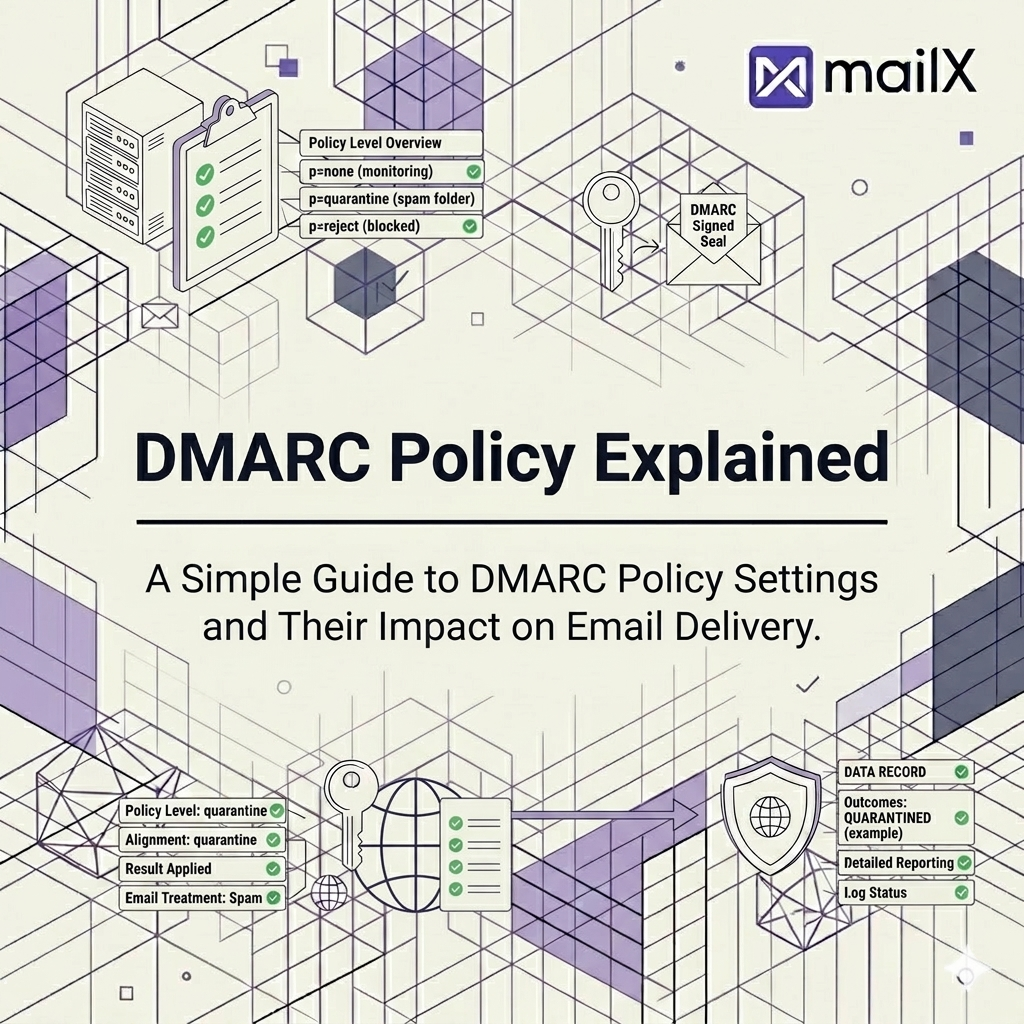
none to monitor, quarantine to send failing mail to spam, reject to block it.
Policy guide
The policy section of this page explains what each policy does and when to move to the next level.
Check it once published
Run the DMARC checker after you publish to confirm the record is live and valid.
How to create and publish a DMARC record
Five steps from zero to an enforced DMARC policy.
Make sure SPF and DKIM pass first
DMARC only passes when SPF or DKIM passes and is aligned with your From domain. Check both before you publish DMARC.
Generate the record
Enter your domain, a mailbox that will receive the aggregate reports, and start with the policy none.
Publish it in your DNS
Create a TXT record with the name _dmarc and the generated value. Keep a single DMARC record per domain.
Read the reports for a few weeks
The rua reports list every server sending mail as your domain. Fix SPF or DKIM for every legitimate sender that fails.
Move to quarantine, then reject
Once all legitimate mail passes, raise the policy to quarantine, watch the reports, then move to reject to block spoofing.
What is a DMARC record?
DMARC (Domain-based Message Authentication, Reporting and Conformance) is a DNS record that tells receiving mail servers what to do with an email that claims to come from your domain but fails authentication. It also asks them to send you reports, so you can see who sends mail in your name.
A message passes DMARC when SPF or DKIM passes and the domain it checked matches the domain in the From address. That match is called alignment. Without DMARC, anyone can put your domain in the From field and receivers have no instruction from you.
Since February 2024, Google and Yahoo require bulk senders to publish a DMARC record (p=none at least) and to align SPF or DKIM with the From domain. Google defines a bulk sender as one that sends close to 5,000 messages or more in 24 hours to personal Gmail accounts. Yahoo does not publish a fixed threshold. Even below that volume, a domain without DMARC is easier to spoof.
A DMARC record in DNS:
Type: TXT
Value: v=DMARC1; p=none; rua=mailto:dmarc@example.com
The tags in the generated record:
p=: policy for your domain (none, quarantine or reject)
rua=mailto: address that receives the daily aggregate reports
Related mailX tools
Check the records DMARC depends on.
Which DMARC policy should you choose?
Start with none unless you already know every service that sends email for your domain. A wrong quarantine or reject policy sends your own invoices, newsletters or helpdesk replies to spam, or blocks them.
The policy is the main setting. The other DMARC tags are optional and you can add them by hand to the generated value: sp sets a different policy for subdomains, pct (now deprecated) applied the policy to only part of the failing mail, adkim and aspf make alignment strict, and ruf asks for failure reports, which few providers still send.
Monitor only (start here):
Send failing mail to spam:
Block failing mail (full protection):
Common DMARC mistakes
What breaks DMARC records, and how to avoid it.
Two DMARC records
Receivers ignore DMARC when a domain has more than one record. Keep a single TXT record at _dmarc.
Record on the wrong name
The record must be at _dmarc.yourdomain.com. Entering the full name in a DNS host that adds the domain creates _dmarc.yourdomain.com.yourdomain.com.
Reject too early
Jumping to p=reject before reading the reports blocks legitimate mail from tools you forgot, such as a CRM or a billing system.
Reports sent to another domain
If rua points to a mailbox on a different domain, that domain must publish a TXT record v=DMARC1 at example.com._report._dmarc.reportdomain.com, or receivers do not send the reports.
Missing or misplaced semicolons
Tags are separated by semicolons and v=DMARC1 must come first. A typo can invalidate the whole record.
Staying on p=none forever
p=none only monitors. It does not protect your domain from spoofing. Plan the move to quarantine and reject.
DMARC guides
Roll out DMARC without blocking your own emails.
How to add the DMARC record in your DNS host
Open the DNS settings of your domain, at your registrar or DNS provider, and add a new TXT record. In the name or host field, enter _dmarc. Most providers (Cloudflare, GoDaddy, Namecheap, OVHcloud...) add your domain automatically. In the value field, paste the generated string exactly, without extra quotes if your provider adds them for you.
Save, wait a few minutes, then check it with the DMARC checker. If the checker finds nothing, look for a doubled name or a second DMARC record.
Cloudflare, GoDaddy, Namecheap and most DNS hosts:
Name / Host: _dmarc
Value: v=DMARC1; p=none; rua=mailto:dmarc@example.com
TTL: default or 1 hour
Reading your generator result
What each result means and what to do next.
Policy none
Monitoring only: nothing changes for your emails. Publish it, then read the reports to find every sender that fails.
Policy quarantine
Failing emails go to spam. Use it once the reports show that your legitimate senders pass.
Policy reject
Failing emails are refused. This is the policy that stops spoofing, and the one BIMI requires (with quarantine).
Is your DMARC record live?
Check that it is published correctly, along with your SPF and DKIM records, in one free test.